
Create bulk invoices in bexio: copy invoices from a template
Table of Contents
If you regularly need to create similar invoices for many contacts in bexio, you can save a lot of time with an invoice template and a guided invoice run. This is especially useful for associations with membership fees, foundations with recurring donation campaigns or businesses with recurring billing.
1. Register for free
To use the bulk copier, you first need an account on app.importly.ch. After that, you can start setting up your first invoice run right away.
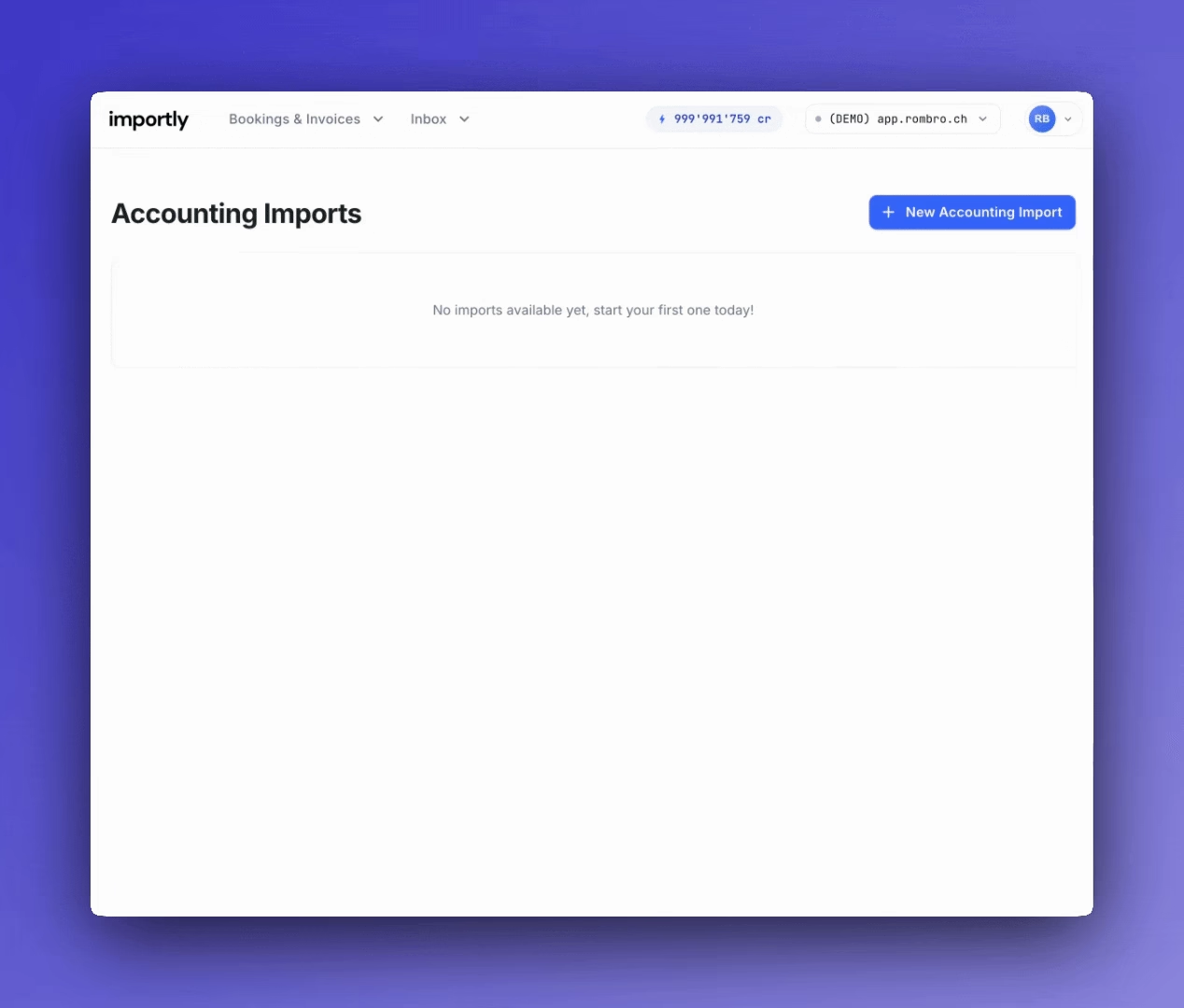
2. Connect your bexio account
Then connect the bexio account where the sales invoices should be created.
3. Create an invoice template in bexio
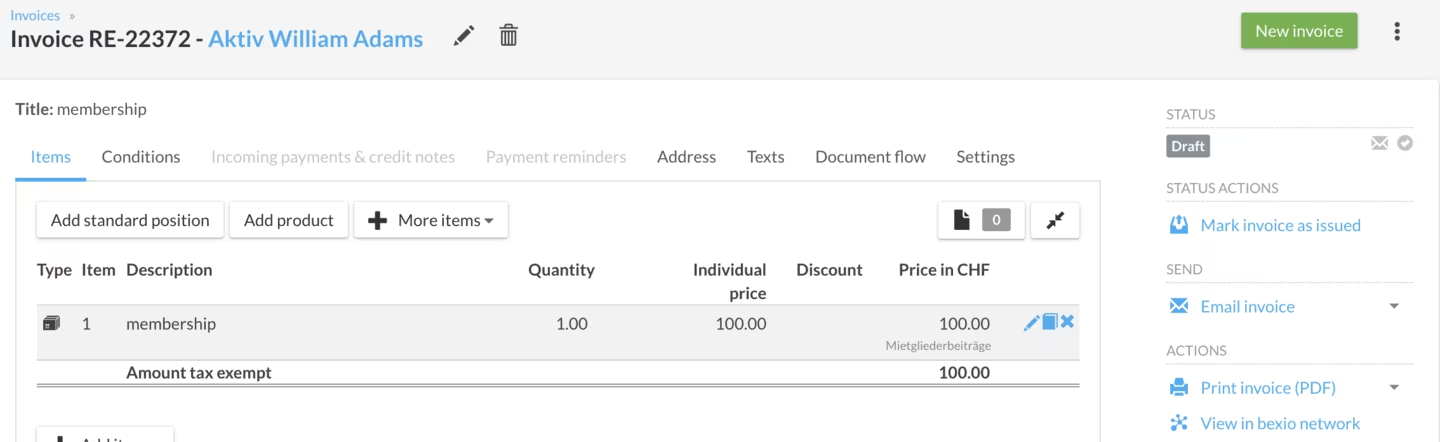
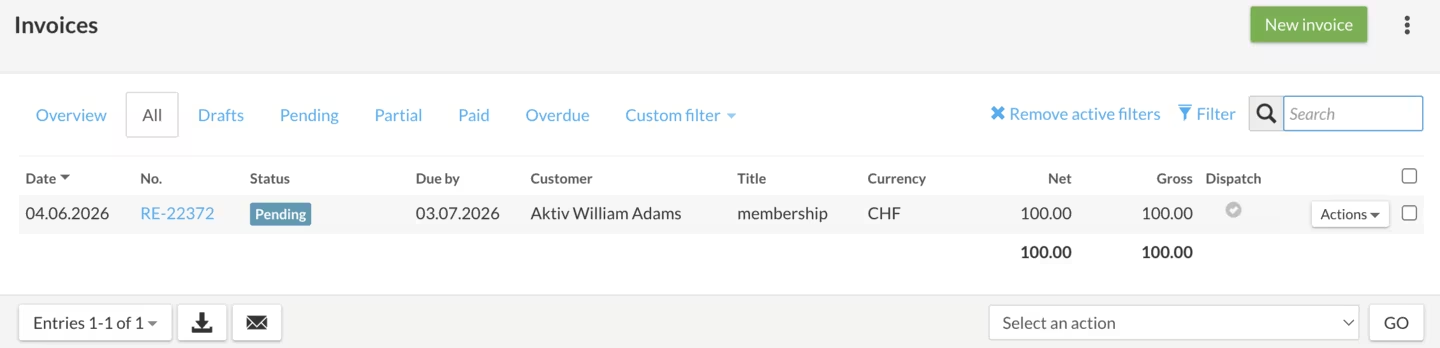
In bexio, go to Sales -> Invoices and create an invoice template with the status open. This template is the basis for your invoice run. Note the invoice number, for example RE-00002.
Important: The template invoice itself is not created again during the invoice run. This helps you avoid duplicates from the start.
Note:
TitleandService periodare not copied from the invoice template during the invoice run. It is best to useReference,Header,FooterorAdditional textfor this.
4. Create a new bulk invoice run
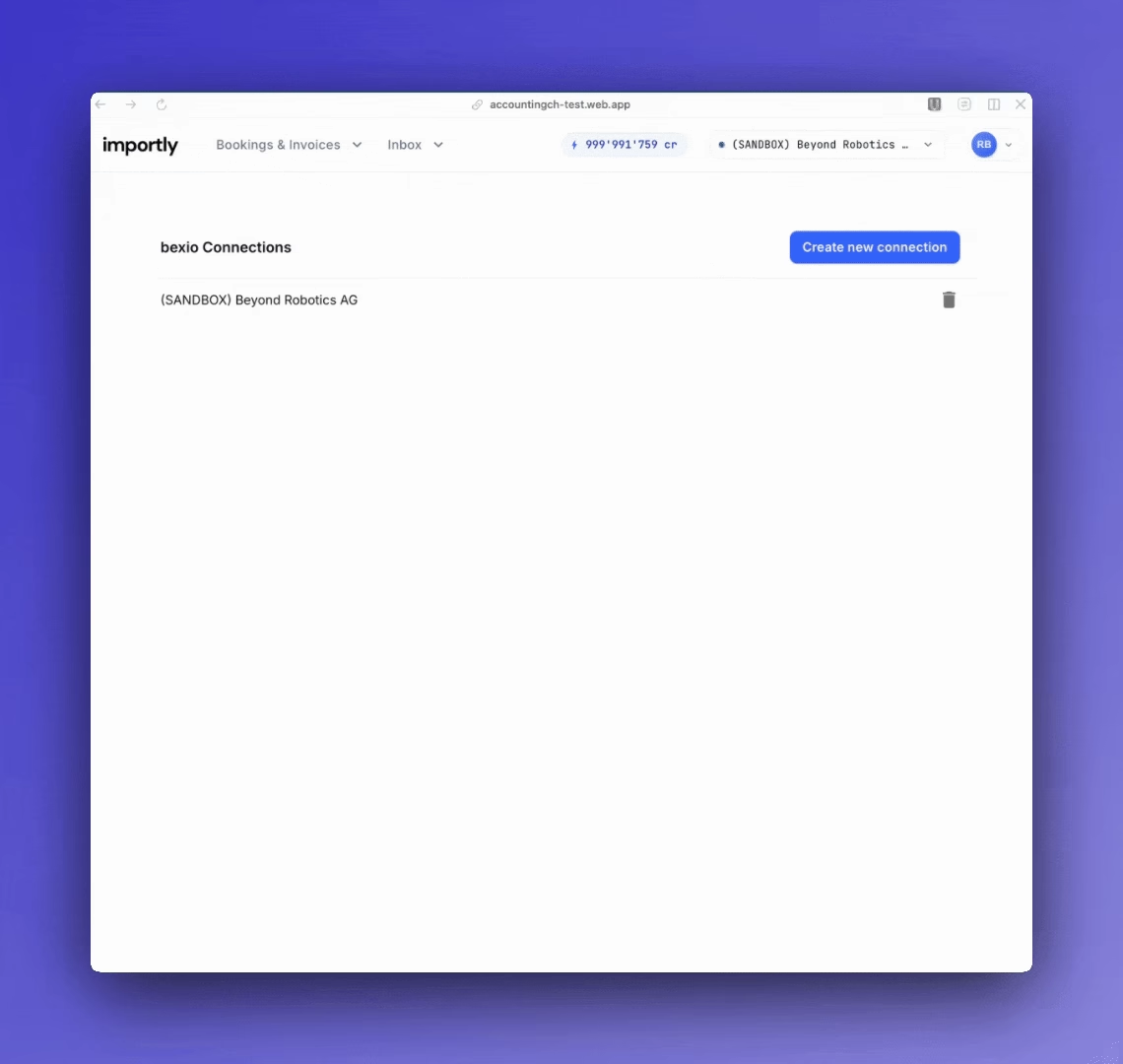
In app.importly.ch, choose the Copy invoices module and click New copy run to define the settings for the invoice run.
5. Define and start the invoice run
You only need a few details for the invoice run:
bexio connection: Define in which bexio account the invoices should be created.Document number: Enter the invoice number of the template and choose it from the suggested list.Select contacts: Define for which contacts or contact categories the invoices should be created, for example active members.Invoice date: Choose the date for the new bulk invoices.
Attention: At the moment, a maximum of
2'000invoices can be created per invoice run. If you need more, please contact support.
Click Create to start the process. You can follow the progress in bexio under Sales -> Invoices.
Typical use cases
Copying invoices is especially useful for organisations with recurring billing models, for example:
- Associations and clubs with membership fees
- Foundations and non-profits with recurring donation campaigns
- Subscription services, service providers and fitness studios with periodic invoices
- Administrations, coworking spaces and educational institutions with regular fees
Conclusion
With a single template in bexio, you can create many new sales invoices for selected contacts or categories in a short time. This reduces manual work and keeps your invoice run well structured.