
Create bulk invoices in bexio for recurring billing
Create recurring sales invoices for contacts or contact categories from a single invoice template. Ideal for associations, foundations, subscriptions and other recurring billing models.
How it works
Sign up and connect bexio
Create an account at app.importly.ch and connect the bexio account in which the sales invoices should be created.
Prepare the invoice template
Create an open invoice template in bexio and note its document number so it can be selected in Importly for the invoice run.
Define and start the invoice run
Select the template, the target contacts or categories, and the invoice date. Once started, you can track the progress in bexio under «Sales» and «Invoices».
Prepare an invoice template in bexio
Under «Sales» and «Invoices», create an open invoice template with the line items you need. The template invoice itself is not created again during the invoice run, which prevents duplicates.
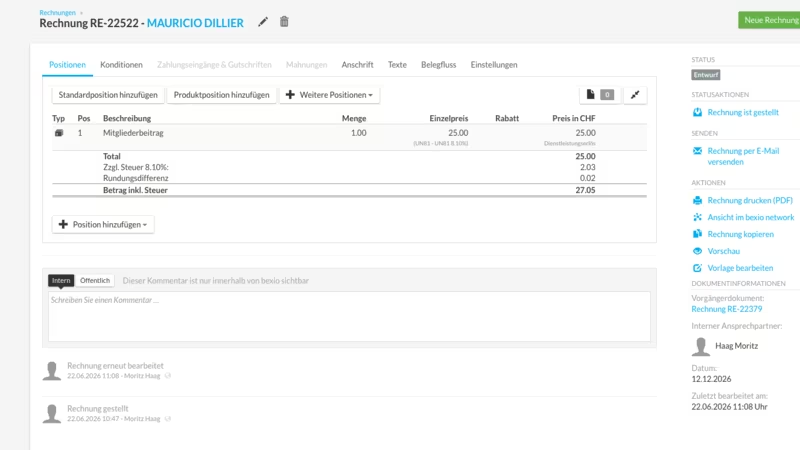
Define the invoice run by contacts or categories
In the «Copy invoices» module, select the bexio account, the template's document number, the desired contacts or contact categories, and the invoice date – the invoice run then starts directly from Importly.
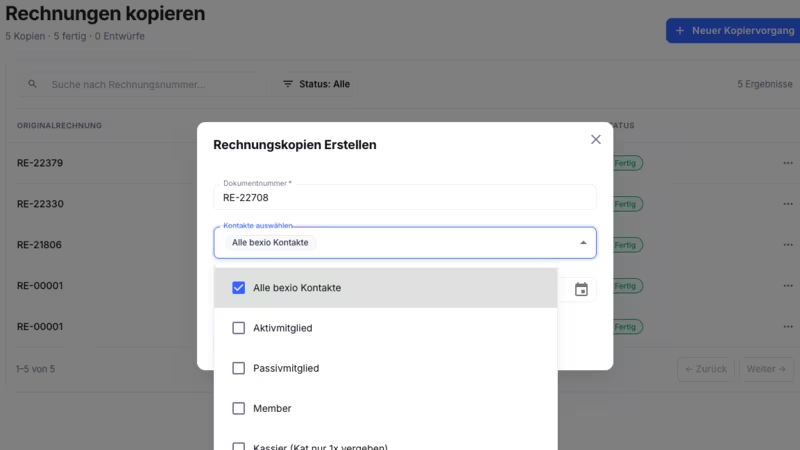
Ideal for recurring billing models
Particularly suited to membership fees for associations, fundraising for foundations, subscription services, administrations, educational institutions, fitness studios, service providers and event organisers.
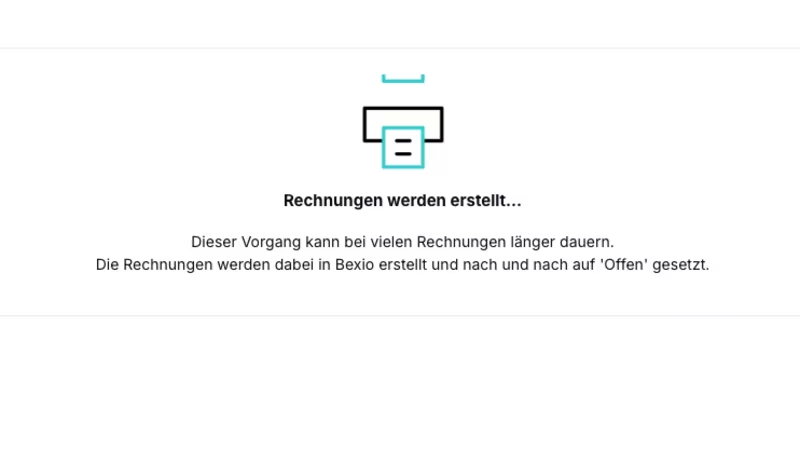
… and much more.
Register nowFrequently asked questions
Is the invoice template itself created again as well? +
No. The open template already counts as an existing invoice and is not created again during the invoice run. This prevents duplicates.
Which fields are not carried over from the template? +
The title and the service period are not carried over from the template during the invoice run. It is better to use the reference, header, footer or additional text fields for that.
How many invoices can be created per run? +
Currently, a maximum of 2,000 invoices can be created per invoice run. For larger volumes, please contact support.
Who benefits most from the invoice copier? +
Typical use cases include associations, foundations, subscription services, administrations, schools, fitness studios, service providers and event organisers with recurring billing models.
Is Importly compatible with my bexio subscription? +
Importly works with bexio subscriptions that include API access. The connection is established through the official bexio interface via OAuth – without password sharing.
How long does onboarding take? +
Most users start their first invoice run within 15 minutes. No installation and no IT support required – connect your bexio account, select a template, start the invoice run.
Can I involve my fiduciary or my team? +
Yes. Several users can work together on client mandates. Credits are billed per account.
How much does Importly cost? +
Importly is billed on a credit basis – you only pay for what you use. There is no subscription and no recurring fees. You can find the available packages on the pricing page.
Is there a free trial? +
Yes. Every new account receives 20 free credits – no credit card and no time limit.
Ready to create recurring invoices in minutes?
20 free credits. No credit card. No installation.